Why the Tool You Choose Actually Matters
Choosing how to track your budget isn't just an administrative preference — it shapes whether you actually stick to the habit. A system that feels tedious gets abandoned; one that feels opaque loses your trust. Before comparing features, it helps to understand that both spreadsheets and apps are just frameworks. The underlying goal — allocating income intentionally, tracking where it goes, and adjusting — is the same regardless of the tool.
That said, real differences exist in how each approach handles automation, privacy, flexibility, and the day-to-day effort required. If you're weighing which budgeting method fits your situation, understanding your preferred tool is a useful parallel decision to make early.
The Case for Spreadsheet Budgeting
Spreadsheets — whether in Google Sheets, Microsoft Excel, or a simpler alternative — remain a popular choice for a straightforward reason: they do exactly what you tell them to, nothing more and nothing less.
Complete customization for any income or expense structure
You can build categories, formulas, and layouts that precisely match your financial reality, including irregular income, shared household expenses, or multiple income streams.
No account linking or third-party data sharing required
Your financial data stays in your own files, with no bank credentials shared with external services — an important consideration for privacy-conscious users.
Free to use with widely available tools
Google Sheets and LibreOffice Calc are free, and Microsoft Excel is available to anyone with a Microsoft 365 subscription they likely already pay for.
Manual entry builds stronger awareness of spending
Entering each transaction by hand forces a moment of reflection that automated tools skip — a behavioral benefit some financial educators consider valuable.
Durable and not dependent on a company's continued service
Budgeting apps can shut down or change their pricing models; a spreadsheet remains functional indefinitely regardless of any vendor decisions.
The control dimension is significant. You can build a budget that mirrors your exact income structure, whether that's hourly wages, freelance invoices, or irregular side income. For households budgeting on a tight income, the ability to model different scenarios — a pay cut, an unexpected bill, a reduction in hours — can be genuinely valuable.
Privacy is another underappreciated advantage. A spreadsheet stored locally or in a personal cloud account requires no bank login credentials, no third-party data agreements, and no ongoing account connections that could be disrupted by a bank security update.
The Real Drawbacks of Spreadsheets
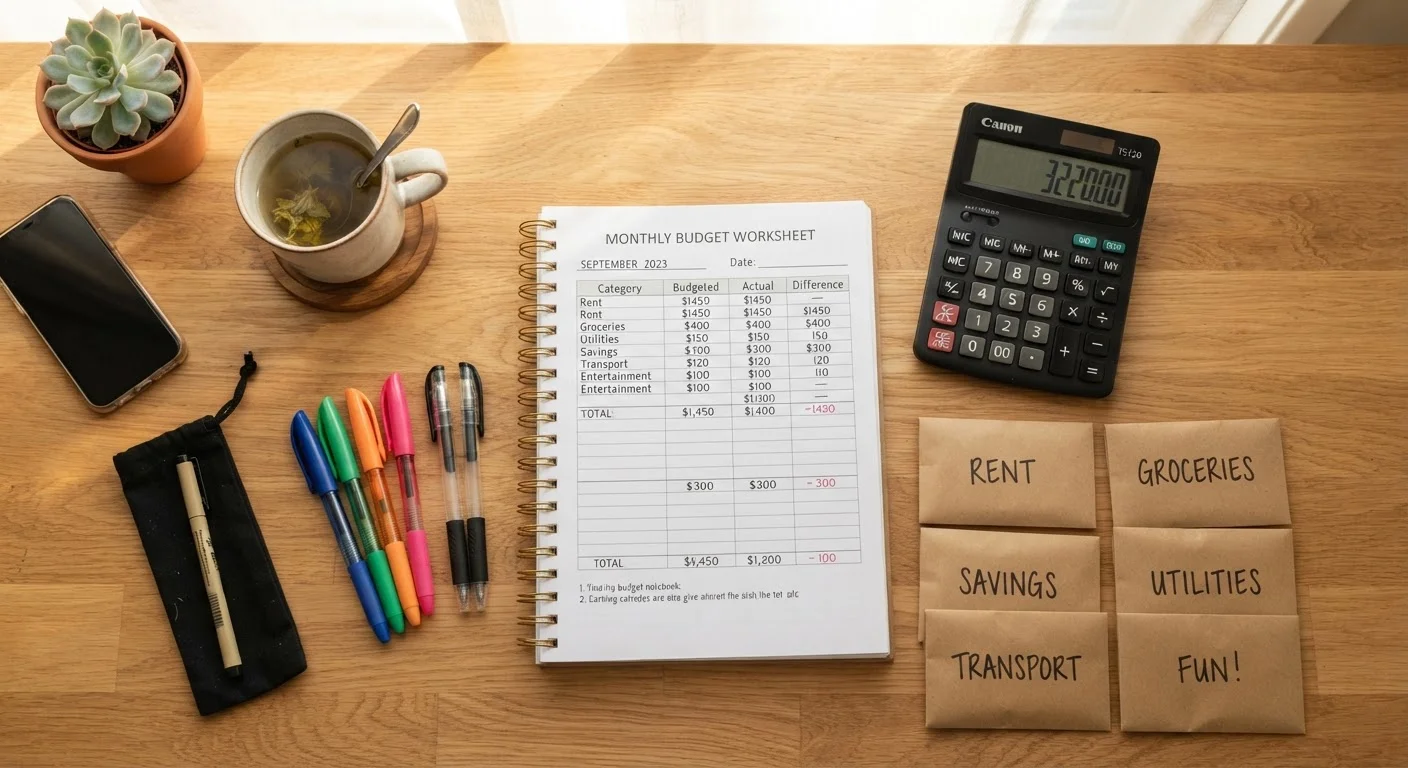
The friction of manual entry is the most common reason spreadsheet budgets fail. Every coffee, grocery run, and utility payment needs to be recorded deliberately. Miss a week and reconciling the backlog becomes a chore that many people simply skip.
Manual data entry creates significant ongoing friction
Every transaction must be recorded deliberately, and a lapse of even a few days can create a backlog that discourages users from ever catching up.
No real-time alerts or automated overspending warnings
Without notifications, you may not realize you've exceeded a spending category until your end-of-month review — too late to course-correct.
Formula errors can silently distort your financial picture
A mistyped formula or missing row can produce incorrect totals without any warning, giving you false confidence in numbers that don't reflect reality.
Setup requires time, planning, and some technical comfort
Building a functional budget spreadsheet from scratch takes meaningful effort upfront, and many people who start never complete a usable template.
Spreadsheets also require some baseline comfort with formulas and layout design. A misconfigured formula can silently distort your totals, giving you a false sense of your financial position. And because there are no alerts or notifications, overspending in a category may go unnoticed until the end of the month — when it's too late to adjust.
It's also worth noting that easy-to-overlook costs like annual subscriptions or car registration are often absent from hand-built spreadsheets simply because their creator never thought to add them.
The Case for Budgeting Apps
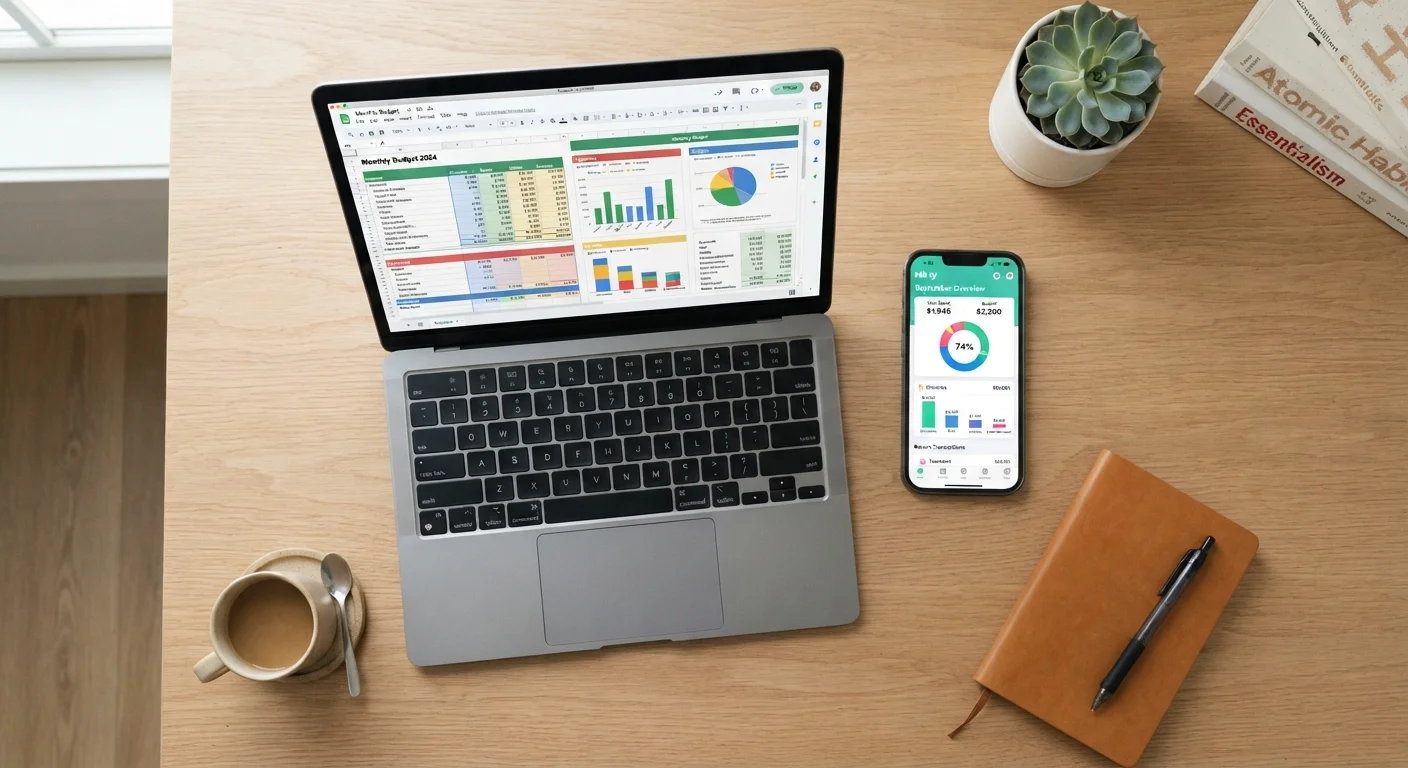
Budgeting apps automate the most friction-heavy part of the process: transaction capture. By connecting to your bank and credit accounts, they pull in spending data automatically, categorize it, and present it in visual dashboards that make your financial picture easy to read at a glance.
~33%
Americans who follow a written budget
Surveys by the National Foundation for Credit Counseling have consistently found that roughly one-third of U.S. adults maintain a detailed household budget.
60%+
App users cite automation as primary benefit
Consumer surveys on personal finance apps regularly find that automatic transaction syncing is the feature users cite most often as the reason they stay engaged.
For people who struggle with consistency, this reduction in manual effort can be transformative. Alerts when you're nearing a spending limit, monthly summaries delivered without any work on your part, and built-in trend tracking over time are features that spreadsheets simply can't replicate without significant custom engineering.
Apps also tend to accommodate the popular budgeting frameworks like 50/30/20 or zero-based budgeting out of the box, making it easier to get started quickly. If you're also working on automating savings or debt payments, some apps integrate those flows directly.
The Real Drawbacks of Apps
Account linking is both the core strength and the primary concern with budgeting apps. To aggregate your transactions, most apps require read-level access to your financial accounts, typically via a financial data aggregator service. While reputable apps use secure, read-only connections, users should understand what data is being shared and with whom before connecting accounts.
Understanding App Account Access
Most budgeting apps use read-only access through a financial data aggregator — they can see your transactions but cannot initiate transfers or payments. Before connecting any account, review the app's privacy policy, data retention practices, and what happens to your data if you cancel. General information about a specific app's security practices is typically available in its documentation or support pages.
Subscription costs are another consideration. Many full-featured budgeting apps charge a monthly or annual fee, which adds a recurring expense to your financial life. Free tiers often come with limitations in transaction history, account connections, or reporting depth.
Miscategorization is a persistent annoyance: apps use automated algorithms to sort transactions, and they frequently get it wrong — labeling a hardware store as "entertainment" or a pharmacy charge as "dining." Left uncorrected, these errors quietly undermine the reliability of your budget data.
How to Choose — or Combine Both
The honest answer is that neither tool is universally better. Spreadsheets reward discipline and offer maximum flexibility; apps reward consistency and reduce daily friction. Your choice should reflect how you actually work, not how you intend to work.
A few questions worth asking yourself: Do you currently enter financial data manually for other purposes — receipts, mileage, invoices — without difficulty? A spreadsheet may suit you well. Do you frequently forget to track spending until it's too late? An app's real-time notifications could close that gap.
Many people find a hybrid approach works: use an app for real-time transaction capture and alerts, and a spreadsheet for forward-looking planning, scenario modeling, and annual reviews. The monthly budget setup checklist works equally well as a complement to either system.
This article is for general informational and educational purposes only and does not constitute personalized financial advice. Consult a qualified financial professional for guidance tailored to your specific circumstances.