The Four Major Platforms at a Glance
Walk into any electronics retailer and the streaming hardware shelf can feel overwhelming. But behind the variety of shapes and prices, most devices run one of four operating systems: Roku OS, Amazon Fire TV, Apple tvOS, or a manufacturer's own smart TV platform (such as Samsung's Tizen, LG's webOS, or Google TV found on many Sony and TCL sets). Understanding what each platform actually does — rather than just what device it ships on — is the most practical place to start.
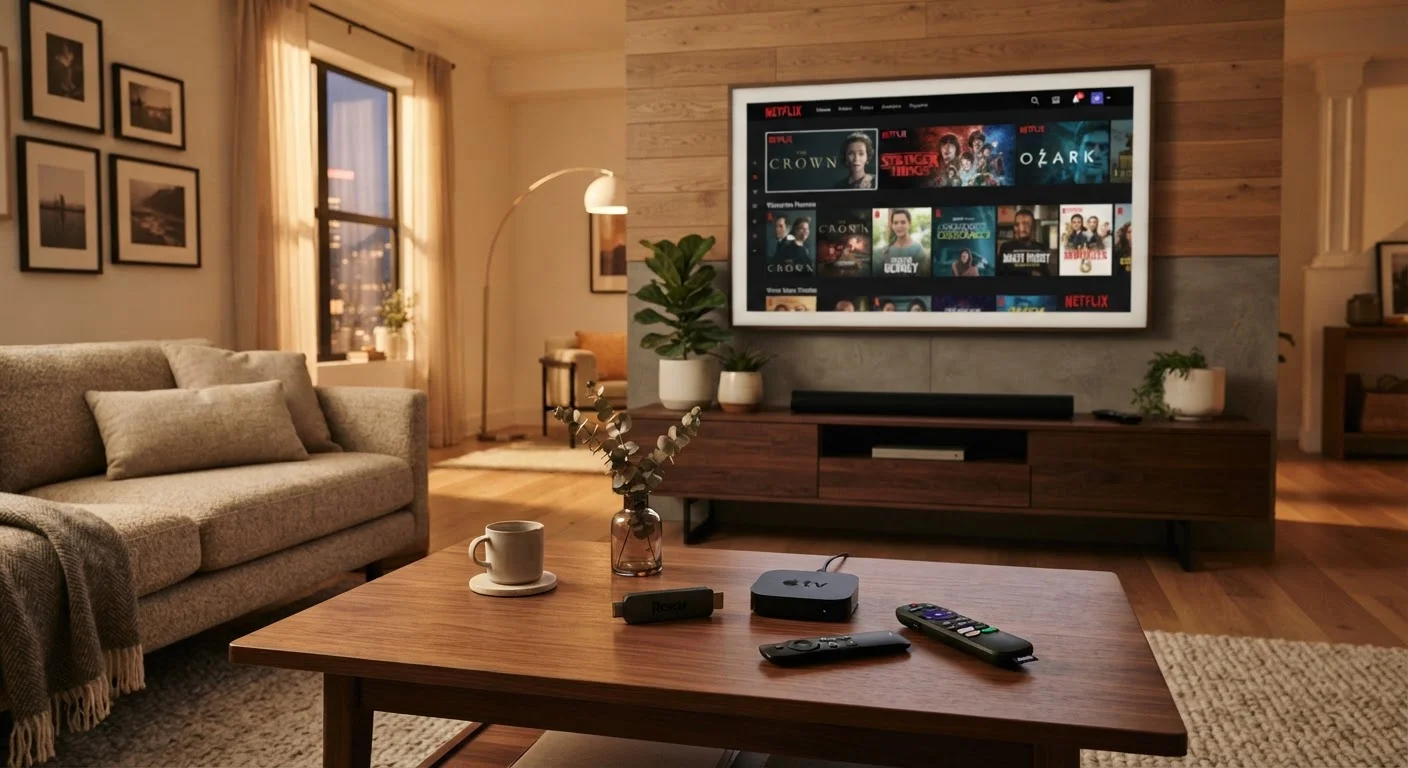
Hardware form follows function here. Roku and Fire TV both ship as inexpensive plug-in sticks and as more capable standalone boxes. Apple TV ships exclusively as a set-top box. Smart TV platforms are embedded in the television itself, requiring no additional device. That distinction shapes cost, portability, and upgrade paths.
| Roku | Fire TV | Apple TV | Built-in Smart TV | |
|---|---|---|---|---|
| Hardware form | Stick or box | Stick or box | Box only | Embedded in TV |
| App library size | Largest catalog | Very large | Large, curated | Varies by brand |
| Ecosystem tie-in | OS-agnostic | Amazon / Alexa | Apple devices | Varies (Google, Samsung, LG) |
| Voice assistant | Roku Voice (basic) | Alexa (strong) | Siri (capable) | Google / Bixby / ThinQ |
| Interface style | Simple, neutral | Content-forward | Polished, visual | Varies widely |
| Portability | High (stick) | High (stick) | Low (box) | None |
| Long-term update support | Consistent | Consistent | Strong | Manufacturer-dependent |
Interface Design and Navigation
Roku's home screen is deliberately simple — a vertical grid of app tiles with minimal advertising intrusion. It's designed to be platform-neutral, meaning Roku doesn't push its own content library the way Amazon does. This makes it feel less cluttered to users who find promotional rows distracting.
Fire TV's interface is more content-forward. Amazon surfaces its Prime Video library prominently, and the home screen includes sponsored rows. Users who primarily watch Prime Video will find this efficient; those who don't may find the layout feels like a storefront. The integration of Alexa voice search is genuinely useful — it searches across multiple services simultaneously and can answer general questions beyond just content lookup.
Apple tvOS prioritizes a visual, app-centric layout that feels polished and consistent. The Apple TV app acts as a central hub aggregating content from multiple subscriptions into a single watchlist. It's the most refined experience of the four, though it assumes you're already in the Apple ecosystem. AirPlay support means iPhones and Macs can send content to the TV with minimal friction.
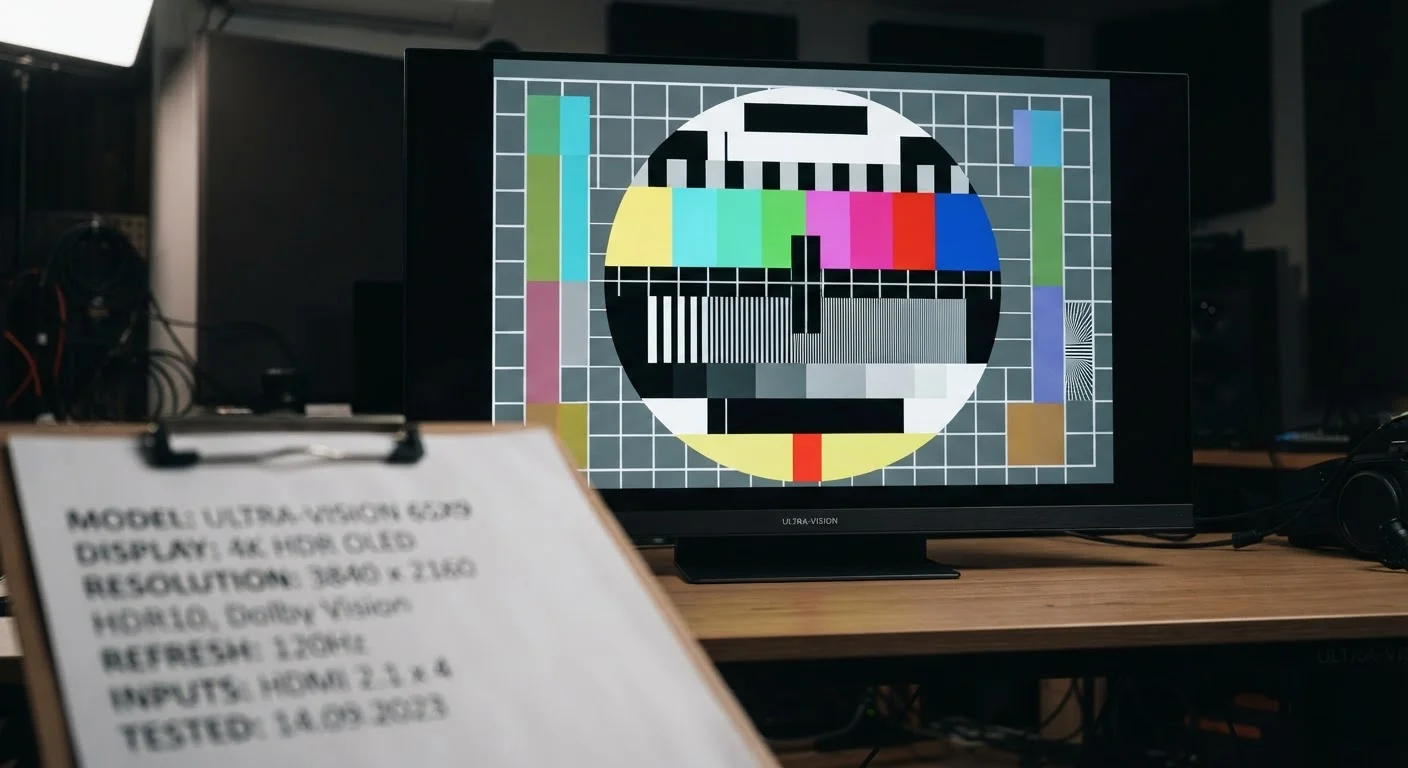
Built-in smart TV platforms vary dramatically. Google TV (on many Sony and TCL models) is well-organized and supports robust voice search via Google Assistant. Samsung's Tizen and LG's webOS are mature, responsive platforms with large app libraries. Cheaper sets may run lighter, less capable software that receives fewer updates over time — something worth checking before purchase. For guidance on evaluating the underlying TV hardware itself, see our TV spec sheet explainer.
App Libraries, Ecosystem Ties, and Voice Control
Roku has the largest total app catalog of any streaming platform, including a broad range of niche and regional channels that don't appear elsewhere. Fire TV's library is nearly as large and adds deep Amazon service integration — if you shop on Amazon regularly, device setup and account linking is seamless. Both support all major streaming services without issue.
Apple TV's app store is smaller but curated more tightly. Every major streaming service is present, and Apple Arcade gaming integration adds value for households with Apple device subscriptions. The Siri remote's click-pad design is divisive — some find it elegant, others prefer a traditional button layout.
Voice control quality matters more than it might seem for everyday use. Alexa on Fire TV and Google Assistant on Google TV both allow cross-service content search and smart home control. Siri on Apple TV is capable but narrower in third-party smart home scope. Roku's voice search is functional but less conversational.
Check for Software Update History Before Buying
Before committing to any streaming platform — especially a built-in smart TV — look up how long the manufacturer has historically supported that platform with software updates. A TV that ships with a capable OS but stops receiving updates within two years can become noticeably slower and lose app compatibility over time. External streaming devices offer the flexibility to upgrade the platform without replacing the display.
One often-overlooked consideration is longevity. A streaming stick purchased today will likely receive software updates for three to five years; a smart TV's built-in platform may receive fewer updates over a comparable period, depending on the manufacturer's support policy. External streaming devices can be swapped out independently of the TV when platforms evolve.
Choosing Based on Your Actual Setup
The most practical filter is your existing ecosystem. If your household uses iPhones, a Mac, or subscribes to Apple services, the deeper integration of Apple TV will surface benefits daily. If Alexa is already managing smart home routines, Fire TV extends that seamlessly. If you're on Android and use Google services, a Google TV device connects naturally to your Google account, YouTube history, and Google Home setup.
If you want to remain ecosystem-neutral — or share a device across family members with mixed device preferences — Roku's independence from any single tech company is a structural advantage. It doesn't push any particular content service and treats all subscriptions equally.
80%+
U.S. households with at least one streaming subscription
According to Nielsen's State of Play report, streaming has become the dominant form of home video consumption in the United States.
4–5 years
Typical software support lifespan for streaming sticks
Major platform holders generally provide OS-level updates for dedicated streaming hardware for several years after release, though specific policies vary by manufacturer.
For renters, travelers, or anyone who moves the streaming setup between rooms or properties, a stick-form device (available on both Roku and Fire TV) is far more practical than a box or a TV-embedded platform. For a primary home theater setup where performance and integration depth matter more than portability, a higher-end box or a premium smart TV platform becomes a reasonable trade-off.