
Why Maintenance Habits Matter More Than You Think
Most consumer electronics are designed to last several years, but the gap between a device that limps along for three years and one that performs well for six often comes down to how it's treated day to day. Manufacturer warranties cover defects, not neglect — and the slow degradation caused by dust buildup, storage bloat, and poor charging routines rarely shows up as a single dramatic failure. It accumulates quietly.
The good news is that the habits that make the biggest difference aren't complicated or expensive. They're mostly about consistency. Just as vehicles that reach high mileage tend to share a history of routine care — see what keeps cars running long-term — electronics that age well usually reflect deliberate, simple upkeep.
Keep software and firmware updated consistently
Updates address security vulnerabilities and often include performance and power-management improvements that directly affect how well a device runs. Delaying updates leaves you exposed to known exploits and misses incremental efficiency gains that compound over time.
Maintain adequate free storage space at all times
Running storage close to capacity forces operating systems to work harder to manage data, slowing read/write operations and accelerating wear on flash storage components. Most systems begin to show performance degradation as available space drops below 10–15%.
Ensure proper ventilation and avoid heat buildup
Sustained high temperatures accelerate degradation of batteries, processors, and other internal components. Heat is among the most consistent predictors of premature hardware failure across laptop, desktop, and mobile devices.
Clean ports, vents, and keyboards regularly
Dust and debris block airflow and cause connectors to fail to seat properly, leading to charging problems and overheating. Physical buildup inside keyboards and speakers can also cause mechanical issues over time.
Avoid regularly depleting your battery to zero
Lithium-ion batteries — used in virtually all modern portable devices — degrade faster when frequently discharged to very low levels. Keeping charge between roughly 20% and 80% for daily use reduces electrochemical stress and preserves capacity over hundreds of cycles.
The Habits That Actually Extend Device Life
Not all maintenance advice is created equal. Some tips circulate because they sound intuitive; others are grounded in how hardware and software actually behave. The practices below focus on the latter — things that have a genuine, documented impact on device longevity.
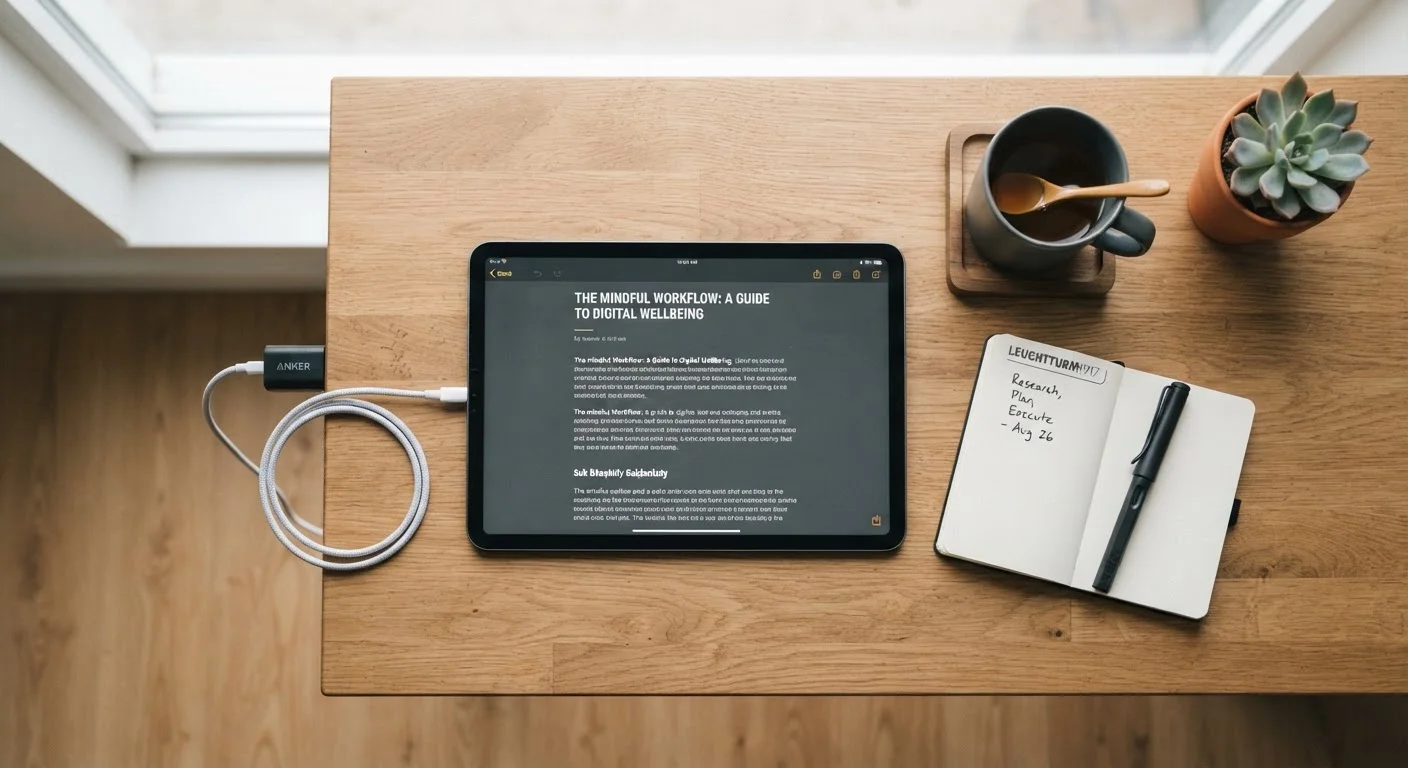
Battery behavior deserves special attention. Many users don't realize that the way they charge their devices has compounding effects over time. Our guide to tablet charging habits covers the specific patterns — overnight charging, running to zero, high-wattage bricks — that quietly shorten battery lifespan.
Charging in a Hot Environment Speeds Battery Aging
Charging generates heat, and ambient heat compounds that effect. Avoid leaving devices charging in direct sunlight, inside a hot car, or on surfaces that retain heat. Removing thick protective cases during charging can also help dissipate heat faster, particularly for smartphones during prolonged charging sessions.
Storage, Software, and the Hidden Drains on Performance
Two of the most overlooked maintenance areas are storage management and software hygiene. On most operating systems, running a drive or flash storage close to capacity forces the system to work harder to find and write data, which translates to slower load times and increased wear on storage components. Keeping 15–20% of your storage free is a reasonable general guideline, though the exact threshold varies by device and operating system.
Software updates, meanwhile, do more than patch security vulnerabilities. Many updates include performance optimizations and power management improvements that can meaningfully affect battery life and responsiveness. Skipping them means missing those gains — and accumulating exposure to known security issues. For smart home devices in particular, keeping firmware current is also a privacy consideration; see what data smart home devices collect for context.
It's also worth knowing that plugged-in devices consume power even when idle or powered off. Phantom load from idle electronics adds up over time, and unplugging devices you're not actively using is both an energy-saving and a heat-reduction measure.
Storage Thresholds Vary by Operating System
The 15–20% free storage guideline is a general heuristic, not a universal specification. Some operating systems and devices handle near-full storage more gracefully than others, and SSDs (solid-state drives) in laptops behave differently from the NAND flash in smartphones. Consult your device manufacturer's documentation for model-specific recommendations if you're managing storage on a nearly full drive.
Before You Give Up on a Device
If a device is already feeling slow, don't assume it's beyond saving. A full software reinstall, a battery replacement, or simply clearing out years of accumulated junk files can restore meaningful performance. Many devices that seem obsolete are actually suffering from software bloat or a degraded battery — both addressable problems.
And when it does come time to move on, preparation matters. If you plan to sell or recycle an old device, follow a proper data-clearing process first. Our pre-sale device checklist covers account sign-outs, factory resets, and data wipes to protect your personal information.
~3 years
Average smartphone replacement cycle in the U.S.
According to data from CIRP and industry analysts, the average American replaces their smartphone roughly every three years, though well-maintained devices can reliably last five or more.
500–1,000
Typical lithium-ion battery charge cycles before notable capacity loss
Most device manufacturers publish charge cycle ratings in this range before a battery degrades to around 80% of original capacity; charging habits significantly influence where a battery lands within that window.
Extending the useful life of your electronics also has real financial value. Replacing a smartphone or laptop ahead of schedule is one of those recurring costs that quietly strains a budget — a point worth keeping in mind if you're working on building a personal budget.