Why Your Devices Keep Costing You Money When Switched Off
Most people assume that switching a device off ends its energy consumption. In practice, that assumption is wrong for a large share of household electronics. As long as a device remains physically connected to a live outlet, its internal circuitry — power supplies, clock circuits, remote-control receivers, network radios — continues to draw current. This is phantom load, and it operates entirely outside your awareness.
The issue is especially pronounced with older electronics. Consumer electronics manufactured before modern energy efficiency standards often contain power supplies that were designed for performance and cost, not idle efficiency. An older plasma television, for example, may draw substantially more power in standby than a current-generation model does while actually displaying content.
Efficiency Standards Have Improved Over Time
Voluntary programs and regulatory standards introduced over the past two decades have pushed manufacturers toward lower standby draws in new products. Devices certified under programs such as ENERGY STAR are tested against standby power thresholds. This means older electronics — particularly those made before the mid-2000s — are often the worst offenders in any given home, even if they appear to be in working order.
For a broader look at how hidden costs accumulate across everyday ownership decisions, see our piece on hidden vehicle ownership costs — the same principle of overlooked ongoing expenses applies across categories.
The Worst Offenders in a Typical American Home
Not all phantom loads are equal. Some device categories are significantly more wasteful than others in standby mode.
- Cable and satellite boxes: These are among the largest standby consumers in many homes because they are designed to remain continuously active for guide updates and recording schedules. Some models draw nearly as much power in standby as they do during active use.
- Older desktop computers and monitors: A desktop left in sleep mode may draw 10–20 watts or more, depending on its age and power supply efficiency. Monitors with older backlight technology compound this.
- Audio-video receivers: Home theater receivers often maintain network connectivity and HDMI switching circuits in standby, pushing their idle draw higher than users expect.
- Gaming consoles: Many consoles default to background download and update modes that keep them drawing significant power even when the controller is set down.
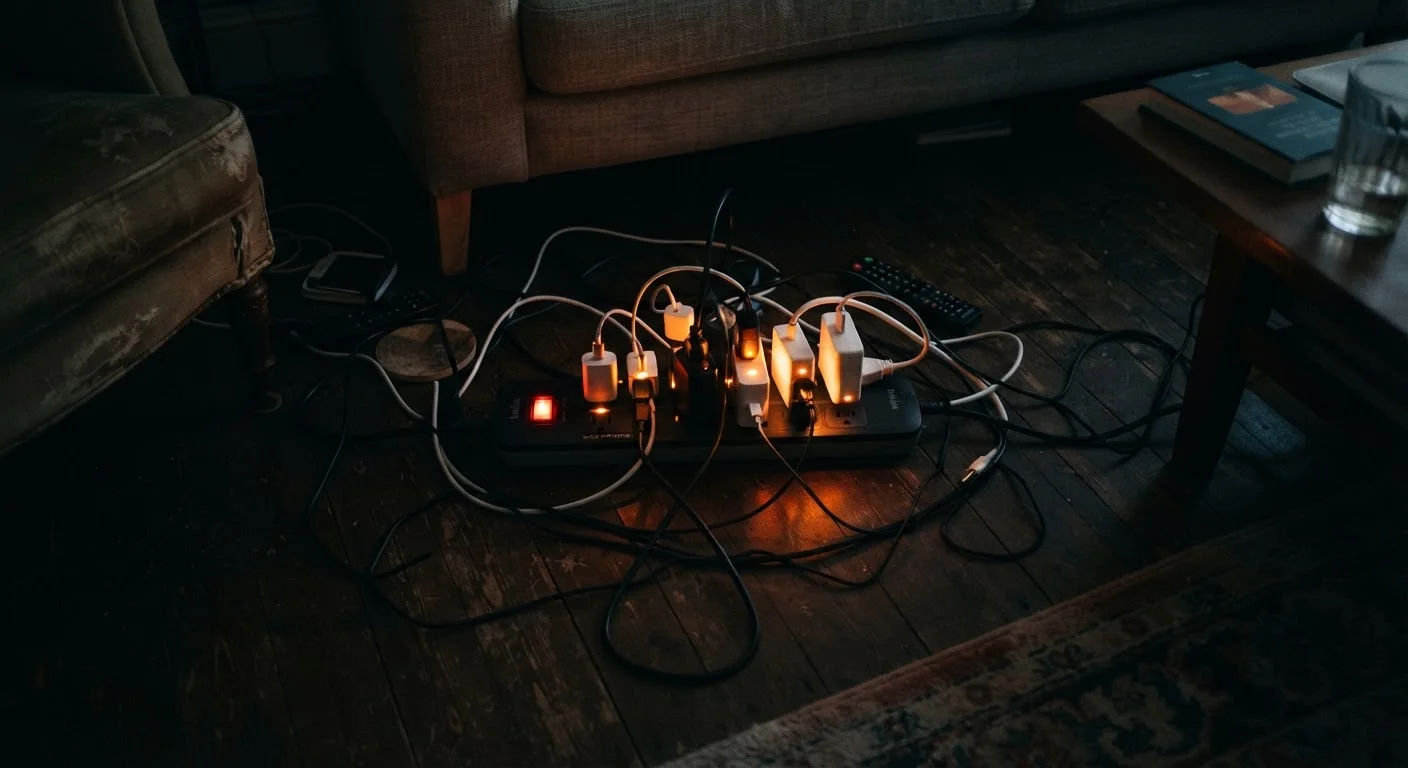
- Older phone and device chargers: A charger left in the wall without a device attached still converts AC to DC and dissipates that energy as heat.
5–10%
Share of home electricity from standby power
According to the U.S. Department of Energy, standby power consumption can represent 5–10% of a typical household's annual electricity use.
~$100
Estimated annual standby cost per U.S. household
The Lawrence Berkeley National Laboratory has estimated that standby loads cost the average American household roughly $100 per year, though actual amounts vary by home size and device mix.
50+
Devices drawing standby power in average U.S. home
Consumer electronics industry surveys suggest the typical American home contains more than 50 devices capable of drawing standby power at any given time.
How to Measure and Reduce Your Home's Phantom Load
The most reliable way to understand your actual standby draw is to use a plug-in energy meter — an inexpensive device that reports real-time wattage consumption for whatever is connected to it. Measuring your television, computer setup, and entertainment system individually will quickly reveal which devices are worth prioritizing.
Once identified, the practical options are straightforward:
- Unplug devices you use rarely. A spare television in a guest room, a printer used monthly, or an older game console no longer in rotation costs real money every day it stays plugged in.
- Use smart power strips for entertainment and desk setups. These cut power to peripheral devices automatically when the primary device goes off, eliminating the standby draw from speakers, streaming sticks, and monitors without requiring any manual action.
- Enable aggressive power management. Modern computers and televisions have power management settings that can reduce standby draw significantly. Verifying these are active — rather than accepting factory defaults — takes only a few minutes.
If your devices are aging to the point where even active-use efficiency is lagging, it may be worth consulting our guide to maintenance habits that extend device life before deciding whether replacement makes sense.
Start With a Plug-In Energy Meter
Before unplugging everything, spend a few days measuring. A plug-in watt meter — available at most hardware stores — shows exactly how many watts each device draws in standby. This lets you prioritize the high-draw offenders rather than spending time on items that barely register. Focus your effort where it produces the most return.
Putting Phantom Load in Perspective
Phantom load is a real and quantifiable cost, but it is worth calibrating expectations. For most households, addressing standby power will trim electricity bills by a meaningful amount — not transform them. The clearest wins come from tackling the highest-draw devices: the cable box running all night, the desktop computer sleeping for 16 hours a day, the AV receiver that never truly powers down.
The same attention you pay to how your devices consume power during use is worth extending to what they consume while idle. Understanding why devices drain energy faster than expected — whether in your hand or plugged into the wall — is part of getting real value from the electronics you own.
And if older devices are approaching the end of their useful life, our checklist on what to do before selling or recycling a device covers the steps to take before they leave your home.