Why Your Home Office Setup Matters More Than You Think
Working from home offers flexibility, but it also blurs the physical and psychological boundaries between rest and work. A poorly set-up workspace can contribute to eye fatigue, neck and back pain, difficulty concentrating, and a persistent low-level stress that's hard to shake off. The good news is that most of these problems are fixable through deliberate design choices - not expensive renovations.
This guide walks through the key factors that shape how a home office actually functions: lighting, ergonomics, acoustics, storage, and boundaries. If you're also thinking about how workspace organization fits into your broader home, the room-by-room organization guide offers useful context for how each space in your home can be optimized for its purpose.
What you will need
Step-by-Step: Building a Workspace That Works
Follow these steps in order. Some will take minutes; others - like adjusting acoustics - may evolve over time. The goal is a workspace that reduces friction, not one that looks impressive on a video call.
Position your desk relative to natural light
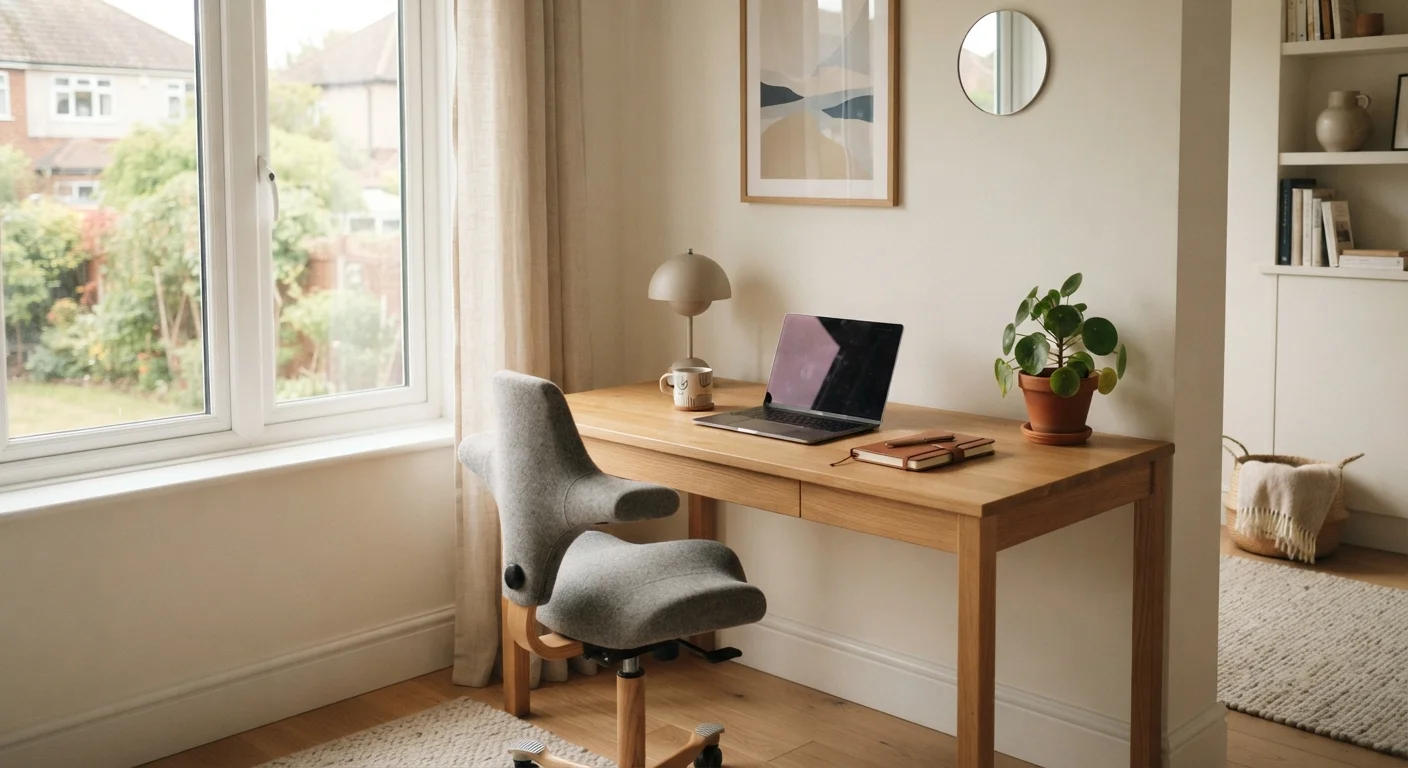
Place your desk so that natural light comes from the side - ideally your left if you're right-handed. Avoid facing directly into a window or having a window directly behind your monitor. Both create glare and contrast that strain your eyes over long sessions.
If natural light is limited, a daylight-balanced lamp (around 5000K color temperature) placed to the side can replicate similar benefits. Overhead lighting alone is rarely sufficient for focused desk work.
Set your chair height and posture baseline
Adjust your chair so your feet rest flat on the floor and your knees form roughly a 90-degree angle. Your hips should be at or slightly above knee level. If your chair doesn't adjust adequately, a firm cushion or footrest can bridge the gap.
Your lower back should be supported - either by the chair's lumbar feature or a rolled towel placed at the small of your back. Avoid sitting with your pelvis tucked under or your lower back arched sharply.
Align your monitor at the correct height and distance
The top of your screen should be at or just below eye level when you're sitting upright. The screen should be roughly an arm's length away - approximately 20 to 28 inches for most people. If you wear bifocals or progressive lenses, you may need to lower the screen slightly to avoid tilting your head back.
A monitor riser, a stack of books, or a laptop stand can solve most height problems without specialized equipment. If you use a laptop exclusively, an external keyboard and mouse allow you to elevate the screen without compromising arm and wrist position.
Organize your immediate desk surface
Keep only what you use daily on your desk surface. Everything else - supplies, reference materials, cables - should have a designated home nearby but off the work surface. Visual clutter competes for attention; a clear desk genuinely makes it easier to focus.
Use vertical space where possible: a small shelf, pegboard, or wall-mounted organizer extends your storage without expanding your footprint. If clutter tends to creep back in, that's often a sign of insufficient nearby storage rather than a habits problem - the why rooms feel cluttered even after cleaning article explores this dynamic in detail.
Address acoustics and define your work zone
Identify the main noise sources in your space - traffic, household activity, appliances - and consider what absorptive materials you can introduce. A rug underfoot, curtains, a bookshelf, or an upholstered chair nearby all reduce reflected sound without requiring acoustic treatment.
Define the visual boundary of your workspace using a rug, a room divider, or even a consistent desk lamp that's only on during work hours. These cues help you and others in your home recognize when you're working - and help your own brain associate the space with focused activity. Color choices in your workspace also play a role; how wall colors affect mood and perception covers how hues and saturation influence concentration and calm.
Think of Setup as an Ongoing Process
Your ideal workspace won't emerge all at once. Start with the highest-impact changes - chair height, monitor position, and lighting - then refine acoustics and organization over the following weeks. Checking in with how your body feels after a full workday is one of the most useful feedback signals you have. Small adjustments compound over time into significantly better comfort and focus.
Acoustics, Boundaries, and Long-Term Wellbeing
Sound is often the last thing people address, but it's frequently the first thing that erodes concentration. Hard surfaces - bare floors, glass, drywall - bounce noise around. Soft materials absorb it. A rug, a bookshelf lined with books, or even a fabric wall panel can meaningfully reduce echo and ambient noise. If you share your home with others, a simple visual signal - a closed door, a small sign, or an agreed household norm - can reduce interruptions more effectively than acoustic foam alone.
Psychological boundaries matter too. If your desk sits in a living area, your brain may never fully shift into focused work mode. Visually separating your workspace - even with a bookcase divider or a distinct rug - helps. The connection between your environment and your mental state is well-established; the mental well-being hub covers broader strategies for managing stress and cognitive load in everyday life.
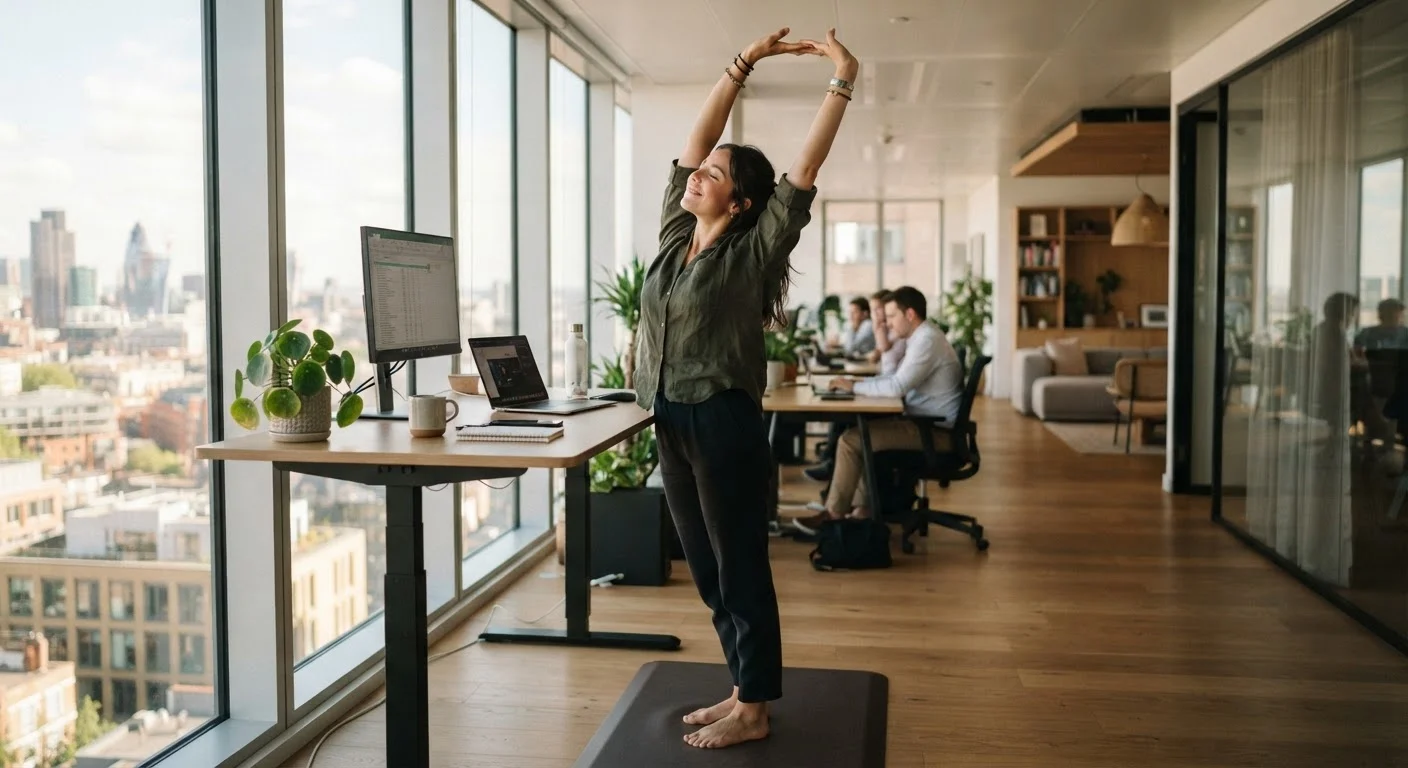
Finally, a sedentary setup is its own risk. Ergonomics reduces injury, but it doesn't replace movement. See practical ways to stay active at a desk job for research-informed strategies that complement a well-designed workspace. And if you're working with limited square footage, small-space living strategies can help you carve out a functional zone without sacrificing the rest of your home.
Know When to Consult a Professional
Ergonomic guidance in articles like this is general educational information, not personalized advice. If you have a pre-existing musculoskeletal condition, experience recurring pain during or after work, or are returning to work after an injury, consult a qualified healthcare or occupational health professional before making changes to your setup. General principles may not apply to your individual circumstances.